I have a confession. I have a folder full of tiny bash scripts that make my life with GitHub dramatically easier. They’re not fancy. They’re not trying to be a framework. They are blunt instruments that solve real problems I have every single day.
Look, I basically live on GitHub now. Not just for code – for brainstorming, documentation, project planning, design specs, notes… everything. My repos aren’t just code repos anymore. Half of them are basically fancy notebooks that happen to be version controlled. And when you’re juggling that many repos with that many different kinds of content, you need some shortcuts or you’ll lose your mind.
So I built some. They live here: gherlein/dotfiles - git-scripts and I’m sharing them because maybe they’ll help you too. Or maybe they’ll horrify you. Either way, you’re welcome.
The Problem: Too Many Repos, Too Little Patience
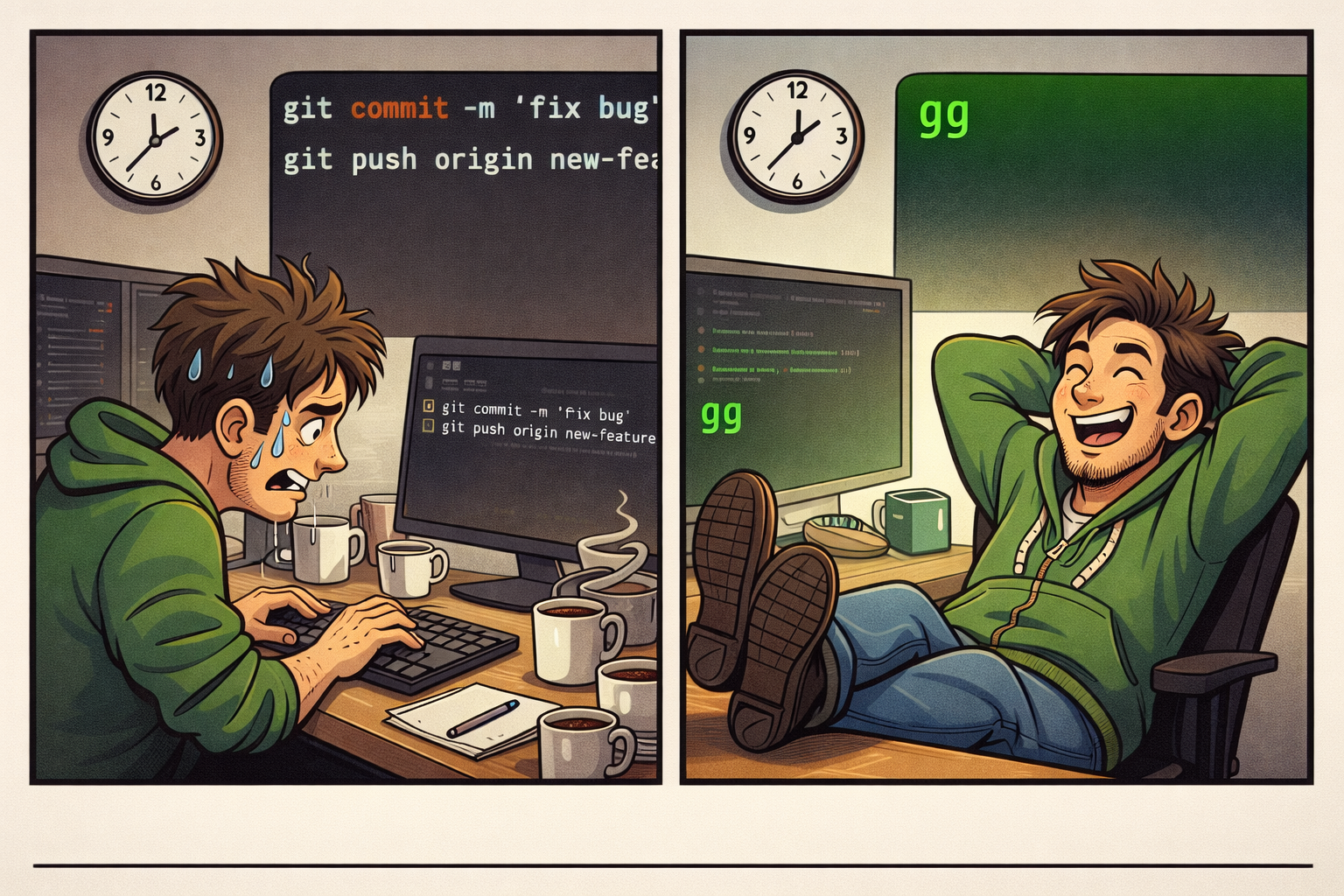
Here’s my typical day: I’m working on code in one repo, brainstorming a design doc in another, updating project notes in a third, and dorking around with embedded firmware in a fourth. Each one needs to be committed and pushed. Each one might have upstream changes. Each one is on a branch I can barely remember the name of.
Doing git add . && git commit -m "stuff" && git push in each one individually? Life is too short. I have things to build.
The Scripts
These all live in my PATH and they’re all tiny. That’s the point. Here’s what I’ve got:
gp – The Daily Driver
This is the one I use most. It’s a quick add-commit-push for whatever repo you’re standing in:
gp "updated the design doc"
If you don’t give it a message, it defaults to “interim commit” because sometimes you just need to save your work and move on with your life. But here’s the thing that makes it not-stupid: it fetches first and checks if the remote is ahead of you. If someone (or past-you on another machine) pushed changes you don’t have, it stops and tells you to pull first instead of creating a mess. Simple but saves you from pain.
gg – Git Gather (The Batch Monster)
This is gp on steroids. Point it at a directory full of repos and it pulls, commits, and pushes ALL of them:
cd ~/projects
gg "end of day commit"
It finds every subdirectory that has a .git folder and does the full pull-commit-push dance on each one. And if you just want to see what’s going on without touching anything:
gg -s
That gives you a nice status view – branch name, number of uncommitted changes, how far ahead or behind you are. I run this first thing in the morning to see what state everything is in. It’s like a dashboard for my scattered brain.

One button to rule them all.
gp-all – Like gg But Pushier
Similar to gg but this one lives in a specific directory and runs gp on every repo under it. The fun part: if it finds a subdirectory that ISN’T a git repo, it asks if you want to create one and push it to GitHub as a new private repo. Handy when you’ve been prototyping in a folder and realize “oh, this should probably be tracked.”
gpnew – New Repo From Scratch
When I start something new and want it on GitHub immediately:
gpnew myorg new-project-name
It creates a private repo under your org, initializes git locally, commits everything, sets up main as the default branch, and pushes. Done. No clicking around in the GitHub UI, no copy-pasting remote URLs. Thirty seconds and you’re in business.
gopen – Show Me The Repo
Reads your git remote URL and opens the GitHub page in your browser. That’s it. That’s the whole script. But I use it constantly because I can never remember which of my 900 repos I’m actually in.
gopen
Works on both macOS and Linux. Simple, useful, done.
gtag and grelease – Tagging Made Tolerable
gtag creates an annotated tag and pushes it:
gtag v1.0.0 "Initial release"
grelease does the same thing but ALSO creates a GitHub Release via the gh CLI:
grelease v1.2.0 "Added the thing everyone wanted"
Both check if the tag already exists before trying to create it, because getting an error on a release is just demoralizing.
This Works For Me (Your Mileage WILL Vary)
I want to be super clear about something: these scripts are built for MY workflow. I use GitHub for basically everything. I commit frequently. I treat a lot of my repos like living documents, not pristine codebases. I use git add . in these scripts because I know what’s in my repos and I have good .gitignore files.
If you’re working on a team with complex branching strategies, or you need careful staging of specific files, or you’re doing anything with submodules… these scripts might not be what you want. And that’s totally fine. The point isn’t “use my scripts.” The point is “look at what annoys you and write a 30-line bash script to fix it.”
Your workflow is yours. If something here helps, grab it. If not, build your own version. The best developer tools are the ones you actually use.
Oh, and About Editing Markdown…
Since I mentioned that half my repos are basically documentation now, let me go on a tangent. Editing markdown files seems to be increasingly “the thing” these days. And yeah, VS Code is fine for it. Any code editor handles markdown. But sometimes you really want to see how it’s going to look – especially tables and mermaid diagrams. You know the drill: edit, save, switch to preview, squint, go back, edit, save, preview, squint harder…
I’ve been using MarkText and it’s kind of great. It’s a proper WYSIWYG-ish markdown editor that renders things live. Tables look like tables. Mermaid diagrams actually render. You can see what you’re doing while you’re doing it.
Important note: the original MarkText project was abandoned. This is the fork by Tkaixiang that’s actively maintained – don’t get confused by the old one showing up in search results. Use the new one. It’s better.
I’m using it all the time on Linux now and it’s become part of my daily workflow. I haven’t tested it much on macOS and I don’t do Windows… so if you try it on those platforms, let me know how it goes. It’s an Electron app, so in theory it should work everywhere. In theory.
If you like it, great. If not, keep doing what you’re doing. It’s helping me, and that’s good enough for me to recommend giving it a shot.
Conclusion
None of this is rocket science. These are tiny bash scripts. But tiny bash scripts that you use every day add up to a LOT of saved time and frustration. My git workflow used to be a tax I paid to do the real work. Now it’s basically invisible, and I get to spend my time on the stuff that actually matters.
The scripts are all in my dotfiles repo if you want to grab them. Fork it, steal what you want, ignore what you don’t. And if you make something better, tell me about it – I’m always looking for ways to be lazier more efficiently.
What does your git shortcut setup look like? Drop me a note. I’m always curious how other people have solved the same problems differently.