I’ve been dorking around with local AI coding agents for a while now. At some point curiosity got the better of me and I had to know: what the heck are these things actually doing under the hood?
So I went back to first principles. That’s usually where I end up when something isn’t working the way I expect, or when I’m about to build something and I don’t want to be surprised. I wrote myself a reference document that explains the mechanics. This post is the human version of that.
(And yes - spoiler alert - I have a robotics project in the works where all of this directly applies. More on that soon.)
The Tools I’ve Been Playing With
I’ve been specifically interested in agents that can work with local models, which rules out most of the mainstream stuff. The ones I’ve been spending time with:
- pi-go — a terminal-based coding agent built in Go with multi-provider LLM support. It talks to Claude, GPT, Gemini, and local Ollama models. Written by yours truly. It’s a fork of dimetron’s pi-go - I am using the “personal” branch which has some fixes that I’ve submitted as PRs.
- piclaw — a self-hosted AI workspace that bundles the Pi Coding Agent into a full web UI: chat, editor, terminal, task queuing, the works. Runs in Docker, works on mobile. Really nice piece of work.
- opencode — open source AI coding agent, well-built, worth your time if you haven’t tried it.
What I found after spending time with these: they all look different on the surface, but underneath? They’re all doing the exact same thing. Once I understood that thing, everything made more sense.
The Agent Is Just a Control Loop
Here’s the key insight. Strip away the UI, the configuration, the fancy prompts — every coding agent is this:
1. Build a message bundle (system prompt + history + tool catalog)
2. Send it to the LLM
3. Read what the LLM wants to do
4. If it wants to call a tool: run the tool, feed the result back, go to step 1
5. If it's done: show the answer to the user
Repeat until finished. That’s it. That’s the whole architecture.
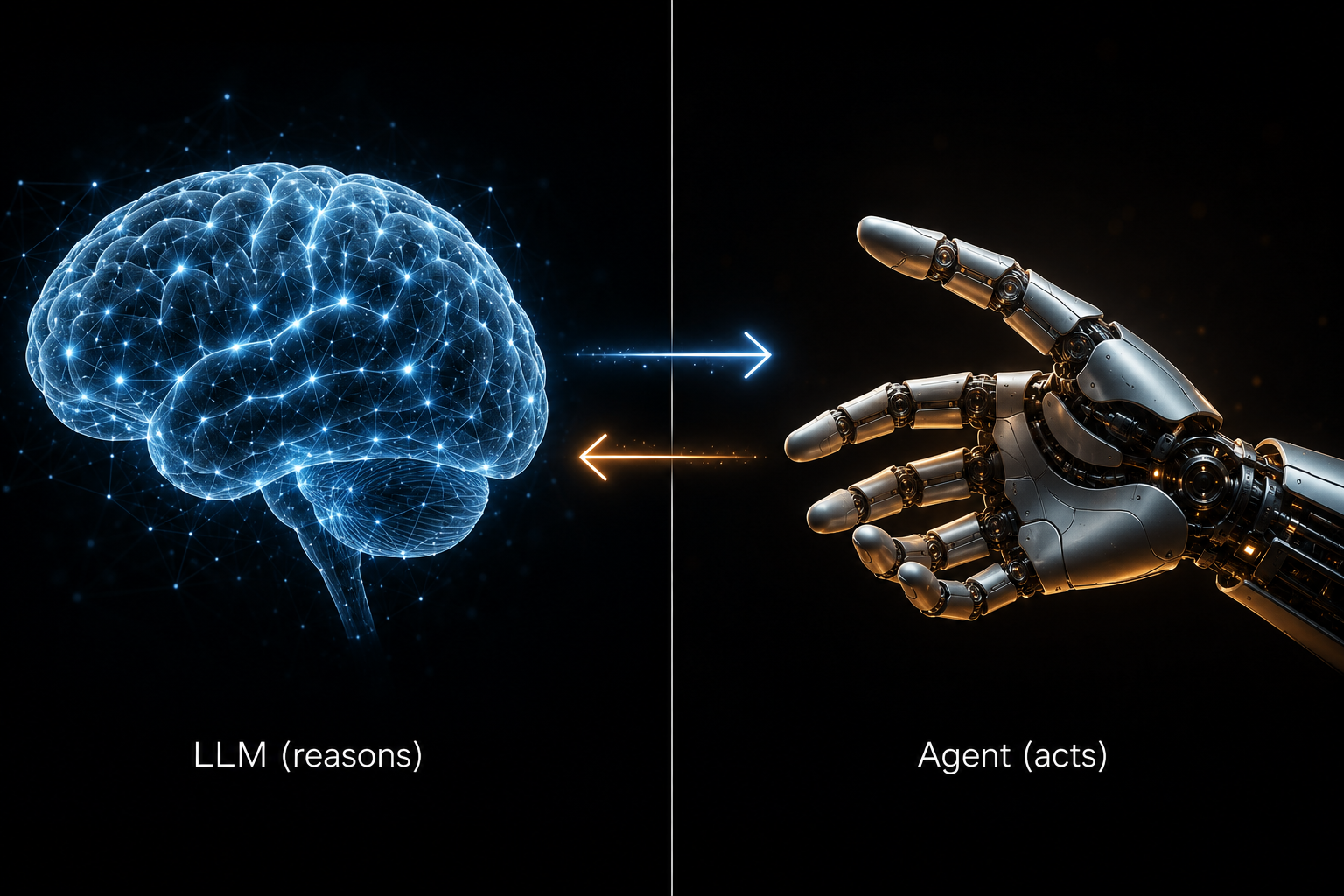
The LLM never executes anything directly. It reads context, reasons about what to do, and requests tool calls. The agent decides whether to honor those requests and actually runs the tools. This is a crucial distinction. The LLM is the brain; the agent is the hands.
Think about that for a minute. Every time you ask Claude Code to “refactor this function” — it’s not Claude touching your files. It’s the agent calling read_file, then calling write_file, then calling bash to run tests, then feeding all those results back to Claude, who says “ok, what next?” It’s a conversation between the agent and the LLM, happening faster than you can see.
The Message Stack
Before every LLM call, the agent assembles a message bundle. Four types of messages, in order:
system— the agent’s instructions. This gets sent literally every single LLM call. Every. One.user— what you typedassistant— what the LLM said backtool/tool_result— the results of tool calls
The full conversation history goes in every time. That’s why context windows matter. As a session gets longer, you’re packing more messages into each LLM call. That’s also why “compaction” is a thing in Claude Code — it summarizes old history to keep the bundle from exploding.
Anthropic vs. OpenAI vs. Ollama: The Annoying Differences
They all do the same logical thing, but the wire protocols are different enough to cause pain.
OpenAI / Ollama:
- System prompt is just the first message in the array (role:
system) - Tool call arguments come back as JSON strings — you have to parse them yourself
- Tool results go back as separate messages with a matching
tool_call_id
Anthropic:
- System prompt is a top-level field, separate from the messages array
- Tool call arguments come back as pre-parsed objects — nice
- All tool results for a single turn go in one
usermessage astool_resultblocks - Strict message-role alternation. You cannot have two user messages in a row. This one catches everyone at first.
Ollama-specific gotchas:
- Content field might be an empty string instead of
null— check for both - Context windows default way too small for non-trivial tasks
- Some models return tool arguments as objects, some as JSON strings — you have to handle both
I spent too much time debugging “why does this work with Claude but not with Ollama” — it was the empty string vs. null thing. Geesh.
What Is MCP, Really?
You’ve probably seen “MCP” everywhere lately. Model Context Protocol. Here’s what it actually is in the context of agents:
An MCP server is a separate process that exposes extra tools to the agent via JSON-RPC 2.0. The agent does a handshake at startup, discovers what tools the server provides, and adds them to the tool catalog that gets sent to the LLM on every call.
From the LLM’s perspective, there’s no difference between a built-in tool (read_file) and an MCP tool (say, a database query or a Slack message). They both show up in the catalog. The LLM requests one; the agent routes it to the right place and brings back the result.
That’s it. MCP is not magic. It’s a standard way to extend an agent’s tool catalog without touching the agent’s code.
There’s also A2A — Agent-to-Agent Protocol — which lets agents call other agents as tools. I haven’t gone deep on this yet, but the mental model is the same: it just adds another node in the call graph.
The Core Toolset
Every coding agent, at minimum, needs these tools:
| Tool | What it does |
|---|---|
read_file |
Read source code |
write_file |
Create or modify files |
bash / execute |
Run shell commands |
search / grep |
Find things in the codebase |
Everything else is gravy. Those four tools are what let an LLM navigate a codebase, make changes, run tests, and verify results. The agent wraps them in permission checks, sandboxing, and approval flows — but underneath, it’s just those tools going back and forth in the message loop.
Capability Discovery
One thing that threw me: how does an agent know if a model supports tool calling at all? Depends on the provider.
- Ollama: hit
/api/show, look for"tools"in the capabilities array - Anthropic: hit
/v1/models, returns nested capability objects with versioned features - OpenAI: no native capability endpoint at all — everyone uses static lookup tables
That last one is particularly annoying. But it does explain why some agents maintain giant compatibility matrices for different OpenAI-compatible models. It’s not laziness; there’s no API to do better. Come on OpenAI! Get your act together.
Why Does This Matter?
Honestly, I could have just kept using these tools as black boxes. They work. Claude Code especially works really well. I love it, even if I worry it will get too expensive at some point.
But.
I have a project coming up — robotics-related, involving actual hardware, actual sensors, and actual consequences for wrong actions — where I need an agent that can work with local models, in a constrained environment, potentially offline. No phoning home to Anthropic.
For that, I can’t afford to treat the agent as a black box. I need to know exactly what the LLM is seeing, exactly what the agent is doing with tool results, and exactly where the failure modes are. Understanding the control loop, the message protocol, and the provider quirks isn’t optional anymore. It’s table stakes.
So I wrote it down. Starting from the perspective of how a coding agent works. For myself. And now for you.
Conclusion
The one thing I want you to take away: an agent is a control loop, and the LLM never executes anything. Everything else — MCP, A2A, tool catalogs, message history — is scaffolding around that loop.
Once that clicked for me, the whole ecosystem made a lot more sense. The tool explosion made sense (more tools = more capable agent). The context window arms race made sense (longer history = more capable agent). The provider quirks made sense (everyone’s doing the same thing slightly differently).
You don’t need to go deep on the protocol unless you’re building one. But if you are building one — or if you need to run one in a constrained environment, like say, a robotics platform — the reference document is a good place to start.
More robotics stuff coming soon. Stay tuned.
If this helped you, drop me a note on LinkedIn.